Fanless DJ Computers vs Laptop Cooling Pads: The Ultimate Comparison
Discover the pros and cons of fanless DJ computers versus laptop cooling pads for optimal performance in the DJ booth.
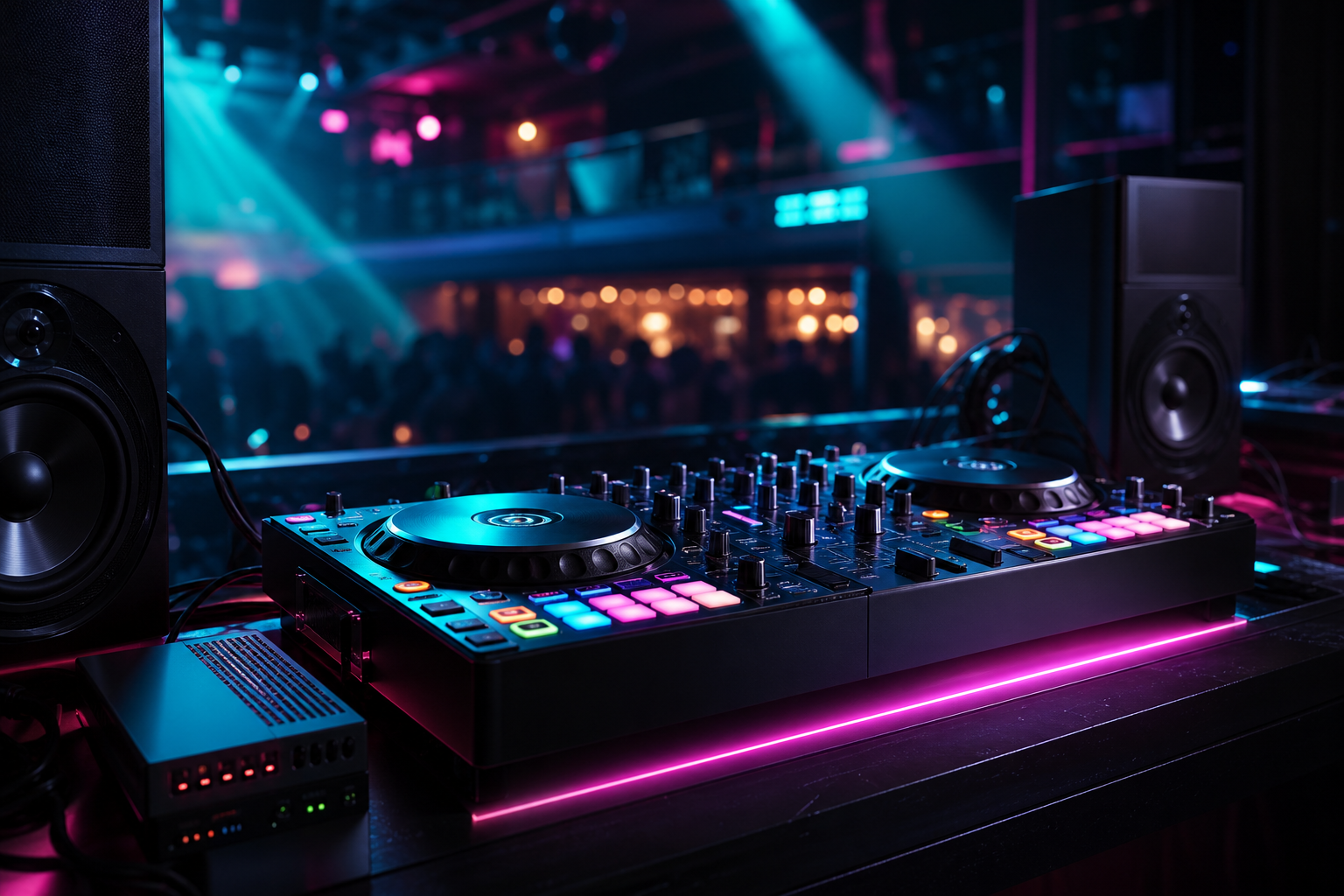
For DJs, maintaining optimal performance during live sets is paramount. One of the key considerations in achieving this is ensuring that your equipment doesn't overheat, potentially causing crashes or performance issues. Two popular solutions in the DJ world are fanless DJ computers and laptop cooling pads. Both have their benefits and potential drawbacks, but which is the best fit for your needs?
Understanding Overheating in DJ Setups
Overheating can be a significant issue in DJ booths, especially during long sessions in hot, crowded environments. High temperatures can lead to throttled performance or even shutdowns. DJs need to ensure that their hardware can handle the demands of a live performance without faltering. Here, we explore how fanless DJ computers and cooling pads tackle this challenge.
Fanless DJ Computers: A Silent Revolution
Fanless DJ computers represent a modern solution designed to address overheating without the need for active cooling systems. These devices use passive cooling methods, such as heat sinks, to dissipate heat.
Advantages of Fanless DJ Computers
- Silent Operation: Without fans, these computers operate silently, allowing for a more immersive audio experience.
- Compact and Portable: Units like the NeoDeck are ultra-compact, making them easy to transport and integrate into any setup.
- Reliability: The absence of moving parts reduces the risk of mechanical failure.
- Fast Boot Times: Devices such as the NeoDeck boot in under 8 seconds, directly into DJ software, ensuring you're ready to perform at a moment's notice.
Considerations
- Initial Cost: Fanless DJ computers can be more expensive upfront compared to traditional laptops.
- Limited Customization: These systems are often built for specific purposes, offering less flexibility in terms of upgrades.
Laptop Cooling Pads: The Traditional Fix
Laptop cooling pads have long been a popular choice for DJs who rely on laptops for their performances. These devices are external platforms that include fans to help draw heat away from the laptop.
Advantages of Laptop Cooling Pads
- Cost-Effective: Cooling pads are generally inexpensive and can be a quick fix to overheating issues.
- Universal Compatibility: They work with virtually any laptop, making them a versatile option.
- Easy to Use: Simply place your laptop on the pad and plug it into a USB port for immediate cooling assistance.
Considerations
- Noise: The fans on cooling pads can add unwanted noise to your setup.
- Portability: Although portable, they add an extra piece of equipment to carry.
- Effectiveness: While helpful, cooling pads may not solve severe overheating issues as effectively as a purpose-built device like the NeoDeck.
Which Solution Is Right for You?
The choice between a fanless DJ computer and a laptop cooling pad largely depends on your specific needs and preferences as a DJ.
- Performance Needs: For those seeking a highly reliable setup with minimal risk of overheating, investing in a fanless DJ computer such as the NeoDeck may be the best option.
- Budget Constraints: If budget is a concern, a laptop cooling pad offers a cost-effective way to mitigate overheating issues, though it may not be as effective as a dedicated fanless system.
- Portability: If you frequently travel or change setups, the compact nature of fanless DJ computers can be advantageous.
Practical Tips for DJs
Regardless of your choice, there are several practices you can adopt to minimize overheating:
- Monitor Temperature: Use software to monitor your device's temperature during performances.
- Ensure Proper Ventilation: Place your equipment in a well-ventilated area and avoid blocking any ventilation ports.
- Regular Maintenance: Keep your equipment clean and free of dust to ensure optimal performance.
- Consider Your Environment: Be mindful of ambient temperatures and adjust your setup accordingly.
In conclusion, both fanless DJ computers and laptop cooling pads have their place in the DJ world. For those seeking a high-performance, low-maintenance solution, the NeoDeck and similar devices offer an attractive option. Meanwhile, cooling pads remain a viable choice for budget-conscious DJs who require a quick solution to manage their laptop's temperature.
Ready to upgrade your DJ setup?
Join thousands of DJs on the waitlist for NeoDeck — the purpose-built DJ computer.
Get Early Access