Mastering Pre-Event Sound Checks: Your Essential Guide
Learn how to test audio effectively before the doors open with our expert DJ tips—ensure flawless sound every time.
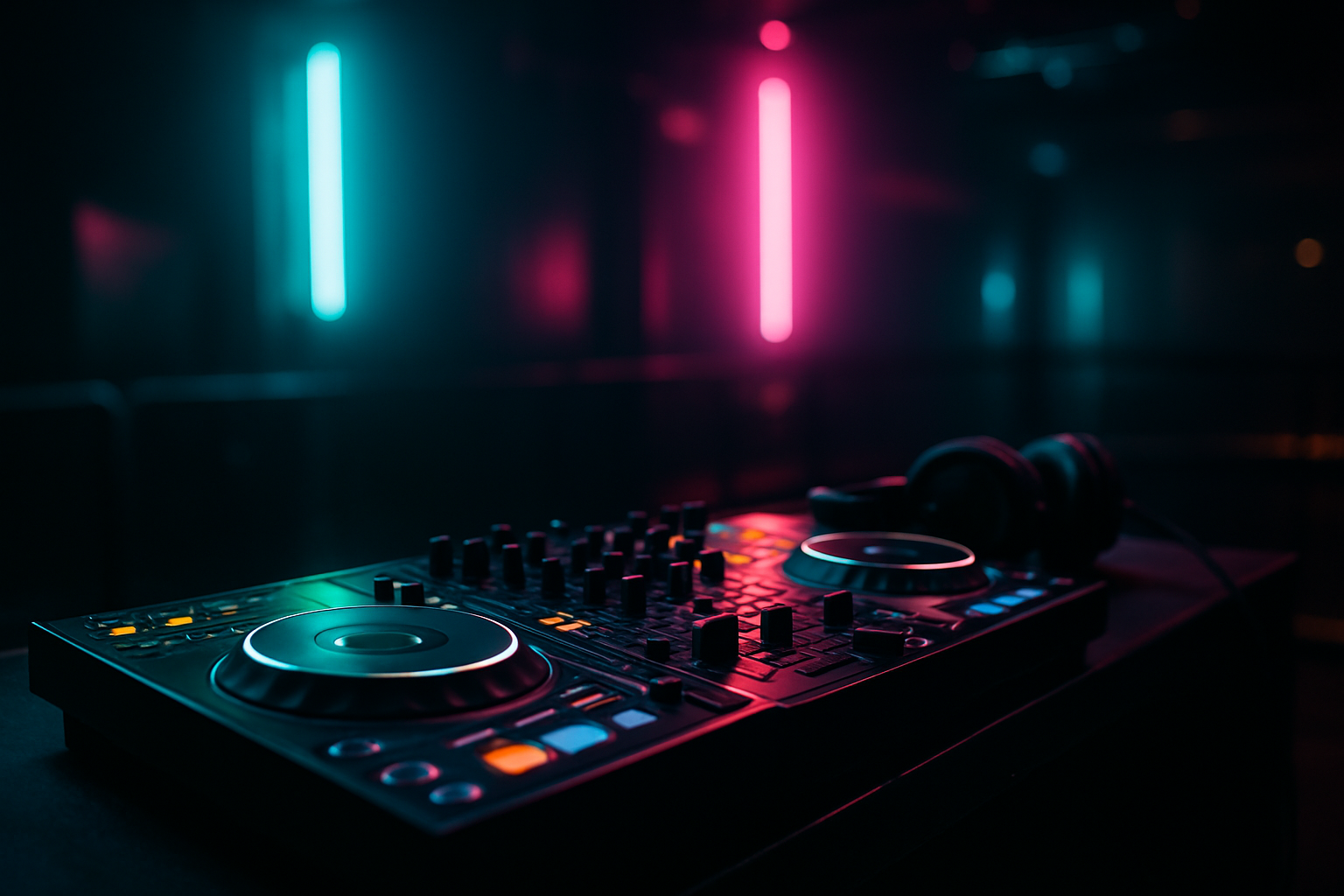
Introduction
Whether you're an experienced DJ or just starting, ensuring your sound setup is perfect before the audience arrives is crucial. The moments before the doors open are your last chance to test and tweak your audio configuration. This guide will walk you through essential steps to verify your sound system is ready for a flawless performance.
Start with a Visual Inspection
Before any sound is tested, begin by conducting a thorough visual inspection of your equipment. Check all cables, connectors, and power sources to ensure everything is securely connected and in working order. Look for signs of wear and tear, and replace any faulty components.
- Cables: Ensure all audio and power cables are plugged in correctly and are in good condition.
- Connections: Verify that all connections to your speakers, controllers, and computer are secure.
- Power Sources: Confirm that your equipment is receiving power and that backup power solutions are in place.
Calibrate Your Audio Levels
Proper audio calibration is critical to prevent distortion and ensure clean sound delivery. Use the following steps to set your levels:
- Set Your Mixer Levels: Begin with all mixer levels set to zero. Gradually increase the volume while monitoring the sound for clarity.
- Test with Different Sources: Play tracks from different sources, such as your NeoDeck or a connected USB device, to verify consistent sound quality.
- Adjust EQ Settings: Fine-tune the equalizer settings on your mixer to enhance the audio output according to the venue's acoustics.
Perform a Soundcheck with All Equipment
After initial calibration, it's time to perform a full soundcheck with all your equipment, including speakers, monitors, and microphones.
- Speakers: Walk around the venue to check sound distribution and identify any dead spots.
- Monitors: Adjust the monitor levels so you can hear your mix clearly without overwhelming the main speakers.
- Microphones: If you're using microphones, test them for clarity and ensure they don't produce feedback.
Use Technology to Your Advantage
Leveraging technology can streamline your setup process. The NeoDeck is a prime example of innovation in DJ technology, featuring a compact design and a built-in professional audio interface. Its ultra-fast boot time ensures you're ready to start testing within seconds.
"The NeoDeck's pre-loaded DJ software and real-time OS allow for seamless integration with your existing setup, simplifying the soundcheck process."
Utilize real-time audio analysis tools to monitor frequency levels and make necessary adjustments on the fly.
Simulate a Live Set
One of the best ways to ensure everything is working perfectly is to simulate a live set. This practice run helps identify potential issues that might arise during the actual performance.
- Mix a Few Tracks: Use your NeoDeck to mix a few tracks, focusing on transitions to ensure smooth crossfades.
- Check Effects and Loops: Test any effects or loops you plan to use, verifying their timing and impact on the overall mix.
Final Pre-Open Checklist
Before opening the doors, go through a final checklist to confirm everything is set:
- Recheck Audio Levels: Ensure all levels are balanced and free of distortion.
- Monitor Sound Clarity: Listen for any irregularities in sound quality.
- Backup Setup: Make sure your backup plan is ready, such as extra cables or an alternate power source.
Conclusion
Performing a thorough audio test before the doors open is essential for any DJ aiming for a successful event. By following these steps and utilizing advanced tools like the NeoDeck, you can ensure your performance is flawless and memorable. Remember, preparation is key to delivering a sound experience that captivates your audience from start to finish.
Ready to upgrade your DJ setup?
Join thousands of DJs on the waitlist for NeoDeck — the purpose-built DJ computer.
Get Early Access