Effortlessly Set Up Your NeoDeck with Hercules DJControl Controllers
Learn how to seamlessly integrate NeoDeck with Hercules DJControl for a superior DJ experience.
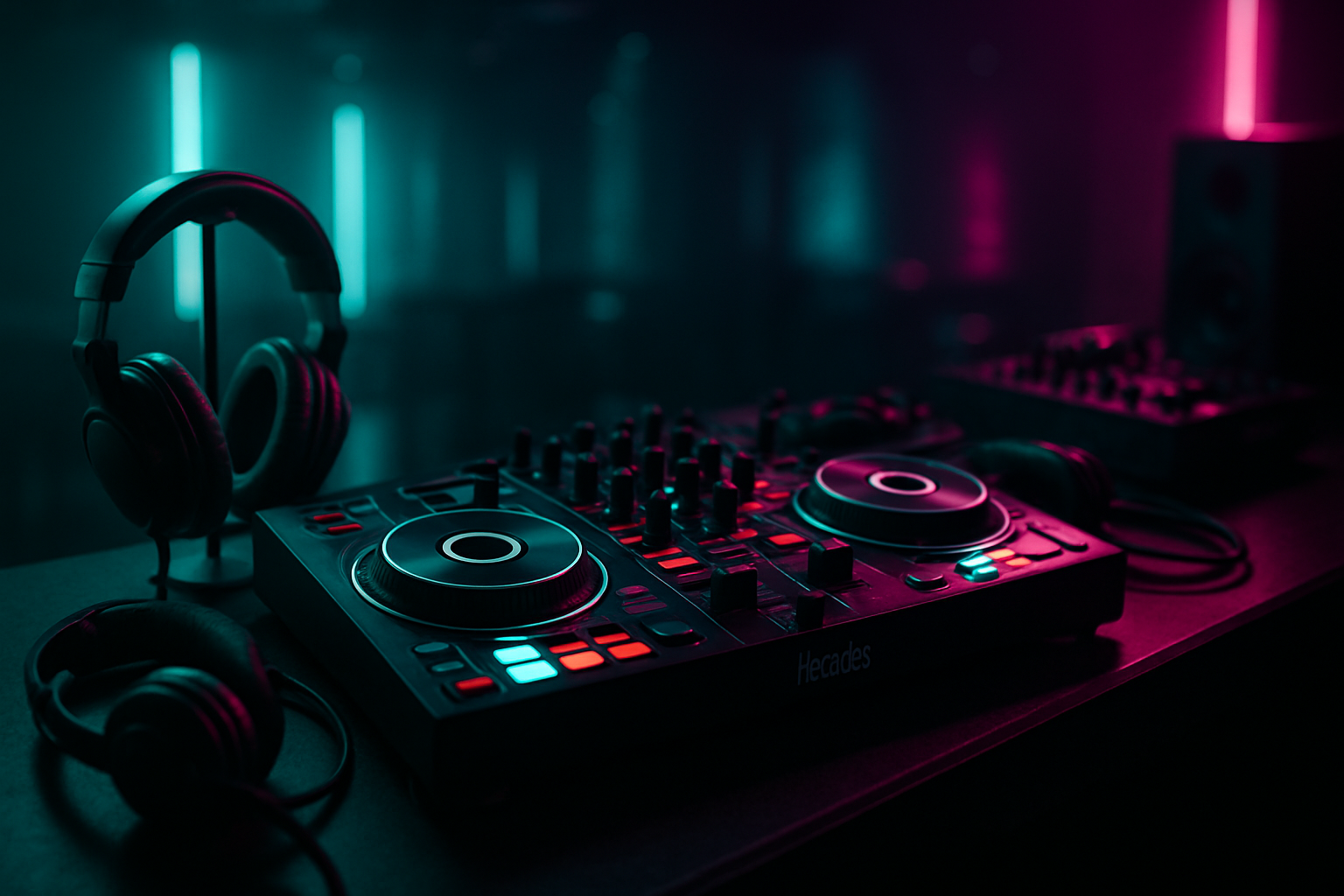
Introduction: Why Choose NeoDeck with Hercules DJControl?
Combining the cutting-edge NeoDeck with Hercules DJControl controllers offers DJs a world-class mixing experience. NeoDeck's ultra-compact design and rapid boot-up time perfectly complement the user-friendly interface of Hercules controllers, making this duo a match made in DJ heaven. In this guide, we'll walk you through setting up your NeoDeck with Hercules DJControl, ensuring you maximize every feature and function.
Unboxing and Initial Setup
Before starting your setup, ensure you have all the necessary components: your NeoDeck, Hercules DJControl controller, USB-C cable, and power supply. Here's a simple step-by-step process to get started:
- Power Up the NeoDeck: Connect the NeoDeck to a power outlet using the supplied adapter. It will boot directly into the pre-loaded DJ software in under 8 seconds.
- Connect the Controller: Use the USB-C cable to connect your Hercules DJControl to the NeoDeck. The plug-and-play feature ensures that it automatically recognizes the controller, requiring no additional drivers.
- Verify Connections: Check that all cables are securely connected. The NeoDeck's built-in professional audio interface will manage the audio outputs efficiently.
Configuring Your DJ Software
NeoDeck is pre-loaded with custom Linux-based real-time OS and professional DJ software. To configure the software with your Hercules controller:
- Software Recognition: Upon connection, the DJ software should automatically detect the Hercules DJControl. If not, navigate to the software's settings and manually select the controller under the device settings.
- Audio Output Settings: Configure the audio outputs for Master and Booth/Monitor channels. The NeoDeck's dual stereo outputs ensure both outputs are distinct and clear.
- Mapping Controls: Customize the controller mappings if necessary. Most default settings are optimized for Hercules controllers, but personal tweaks can enhance your workflow.
Optimizing Performance
To get the best performance from your NeoDeck and Hercules DJControl:
System Updates
Ensure that your NeoDeck runs the latest software version. Regular updates can introduce new features and improve system stability.
Calibration
Calibrate your controller to ensure all jog wheels, buttons, and sliders respond accurately. This can usually be done within the DJ software's calibration settings.
Audio Setup
Test the audio outputs with your sound system. Adjust latency settings in the software to prevent audio lag or glitches.
Troubleshooting Common Issues
Despite its reliability, you may occasionally encounter issues. Here are some common problems and their solutions:
- Controller Not Recognized: Reconnect the USB-C cable and restart the NeoDeck. Verify that the USB-C port is operational by testing with another device.
- Audio Distortion: Check the audio output settings and ensure the correct output is selected in the software. Adjust the gain levels on both the controller and within the software.
- Software Freezes: Force restart the NeoDeck by holding the power button for a few seconds. Ensure all software updates are installed.
Conclusion: Mastering Your DJ Setup
With these steps, your NeoDeck and Hercules DJControl should be perfectly synchronized, providing a smooth and professional DJ experience. This setup not only enhances your performance but also offers the reliability and efficiency needed for live gigs. As you grow more familiar with this setup, you'll find new ways to customize and optimize your workflow, making your DJ sessions even more dynamic and engaging.
"The NeoDeck and Hercules DJControl combination is a game-changer for DJs looking for portability, reliability, and superior performance in one cohesive unit."
For more information and to secure your NeoDeck, visit the official website at neodeck.store.
Ready to upgrade your DJ setup?
Join thousands of DJs on the waitlist for NeoDeck — the purpose-built DJ computer.
Get Early Access