Mastering the NeoDeck Touchscreen for Stellar DJ Performances
Unlock the full potential of NeoDeck's touchscreen in your DJ sets with our expert guidance and actionable tips.
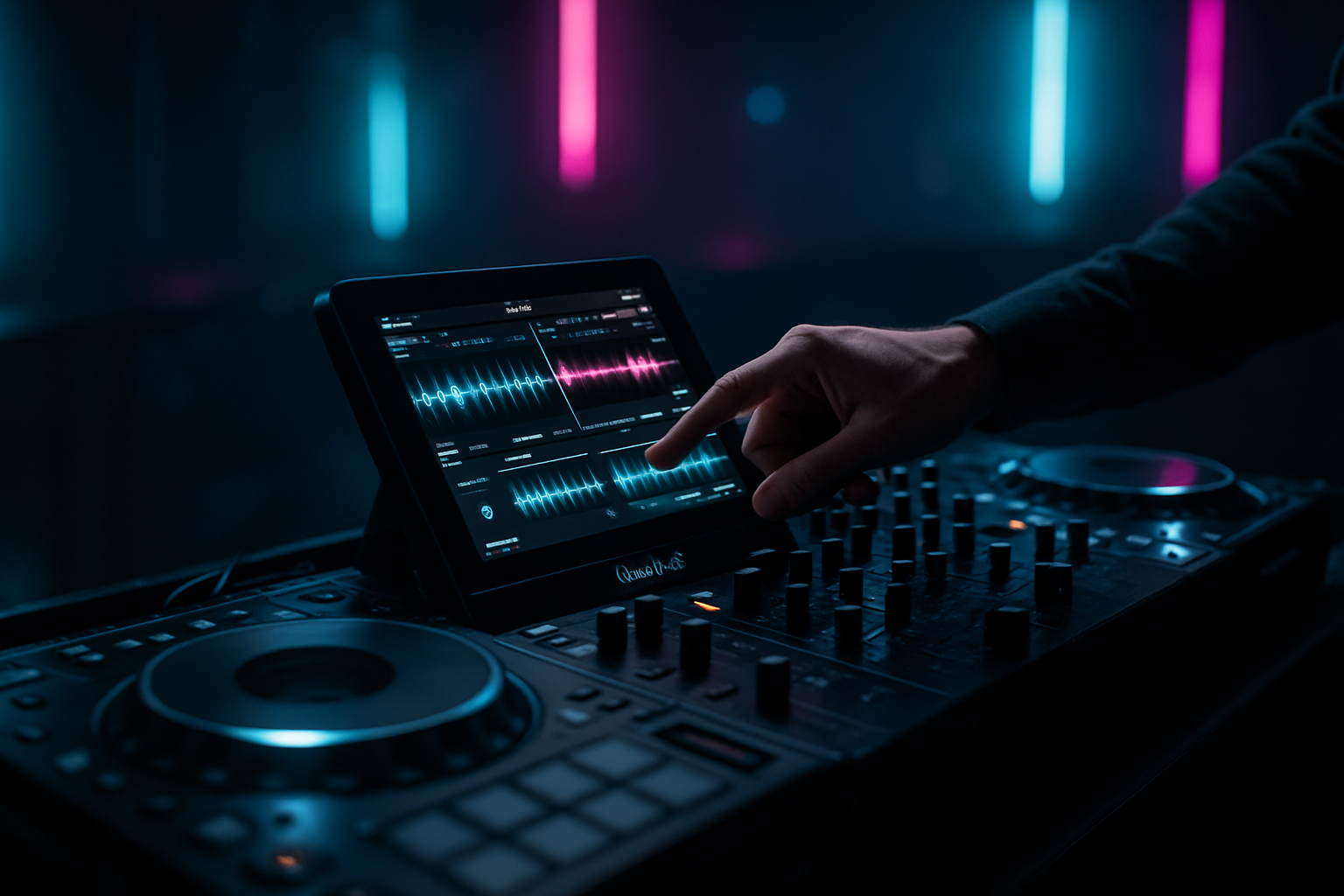
Introduction to NeoDeck's Touchscreen
The NeoDeck is revolutionizing the DJ booth with its ultra-compact design and intuitive 10" IPS touchscreen display. Designed to replace traditional laptops, NeoDeck offers DJs a streamlined performance experience, complete with a custom Linux-based real-time OS and pre-loaded DJ software. This guide will provide you with the essential steps and tips to harness the full potential of NeoDeck’s touchscreen in your DJ performances.
Getting Started with NeoDeck
Before diving into your first set, it’s crucial to familiarize yourself with the NeoDeck setup process. Upon powering up, the NeoDeck boots directly into its pre-installed DJ software in under 8 seconds, saving you valuable time. This rapid start-up is perfect for DJs who need to get started quickly in a live setting.
- Connect Your DJ Controller: Use the USB-C connection for seamless plug-and-play integration with all major DJ controllers, including Pioneer, Numark, Denon, NI, and Hercules.
- Calibrate the Touchscreen: Ensure your touchscreen is accurately calibrated for precise control. NeoDeck’s IPS display is responsive, but initial calibration can enhance its accuracy.
- Explore Pre-Loaded Software: Take some time to explore the DJ software functionalities. NeoDeck’s custom OS ensures optimal performance and stability, even during intense performances.
Navigating the NeoDeck Interface
The NeoDeck touchscreen interface is designed with DJs in mind, providing an intuitive layout that enhances workflow and creativity. Here’s how you can make the most of it:
- Utilize Multi-Touch Gestures: The multi-touch capabilities allow for dynamic control over tracks and effects. Use pinch-to-zoom for waveform adjustments and swipe gestures to navigate through your library.
- Custom Layouts: Tailor the interface to your style by customizing the layout. Arrange decks, library, and effects to suit your performance needs.
- Quick Access to Effects: The touchscreen allows for immediate access to effects and loops. Assign frequently used effects to on-screen shortcuts for quick application.
Maximizing Performance with NeoDeck
Using NeoDeck in a live setting requires a few strategic approaches to maximize its capabilities:
- Pre-Set Playlists: Organize your playlists before the gig. NeoDeck’s efficient browsing system makes it easy to locate and queue tracks rapidly.
- Audio Interface Optimization: Take advantage of NeoDeck’s built-in professional audio interface with dual stereo outputs. Ensure your Master and Booth/Monitor channels are properly configured for optimal sound delivery.
- Leverage Real-Time OS: The custom real-time OS is designed to handle demanding DJ tasks. Use NeoDeck’s processing power to run multiple effects and tracks without lag.
Troubleshooting Common Issues
Even with a high-performance device like NeoDeck, DJs may encounter issues. Here are common problems and solutions:
- Connectivity Issues: If your controller isn’t recognized, verify the USB-C connection and ensure compatibility. Restart NeoDeck if necessary.
- Software Glitches: Update your software regularly to prevent bugs. If glitches occur, reboot NeoDeck, which typically resolves software hiccups.
- Audio Output Problems: Ensure audio cables and interfaces are securely connected. Check software settings for correct output configurations.
Conclusion: Enhancing Your DJ Experience
The NeoDeck is more than just a replacement for a traditional laptop; it’s a powerhouse designed to elevate DJ performances. By mastering its touchscreen capabilities, DJs can enjoy a seamless, efficient, and creative experience in the booth. Whether you're a seasoned professional or a newcomer to the scene, NeoDeck provides the tools you need to push the boundaries of your performances, all while keeping your setup minimal and efficient.
Ready to upgrade your DJ setup?
Join thousands of DJs on the waitlist for NeoDeck — the purpose-built DJ computer.
Get Early Access